
About the Project
Imagine answering a phone call, controlling music or navigating your smartwatch without touching its display.
It sounds futuristic, but it is already possible with the Apple Watch Ultra 2.
In this technology review, I explored one of the watch's most interesting capabilities: gesture control.
The project focused on demonstrating how simple hand movements can change the way we interact with wearable technology.
The Double Tap Experience
One of the standout features of the Apple Watch Ultra 2 is Double Tap.
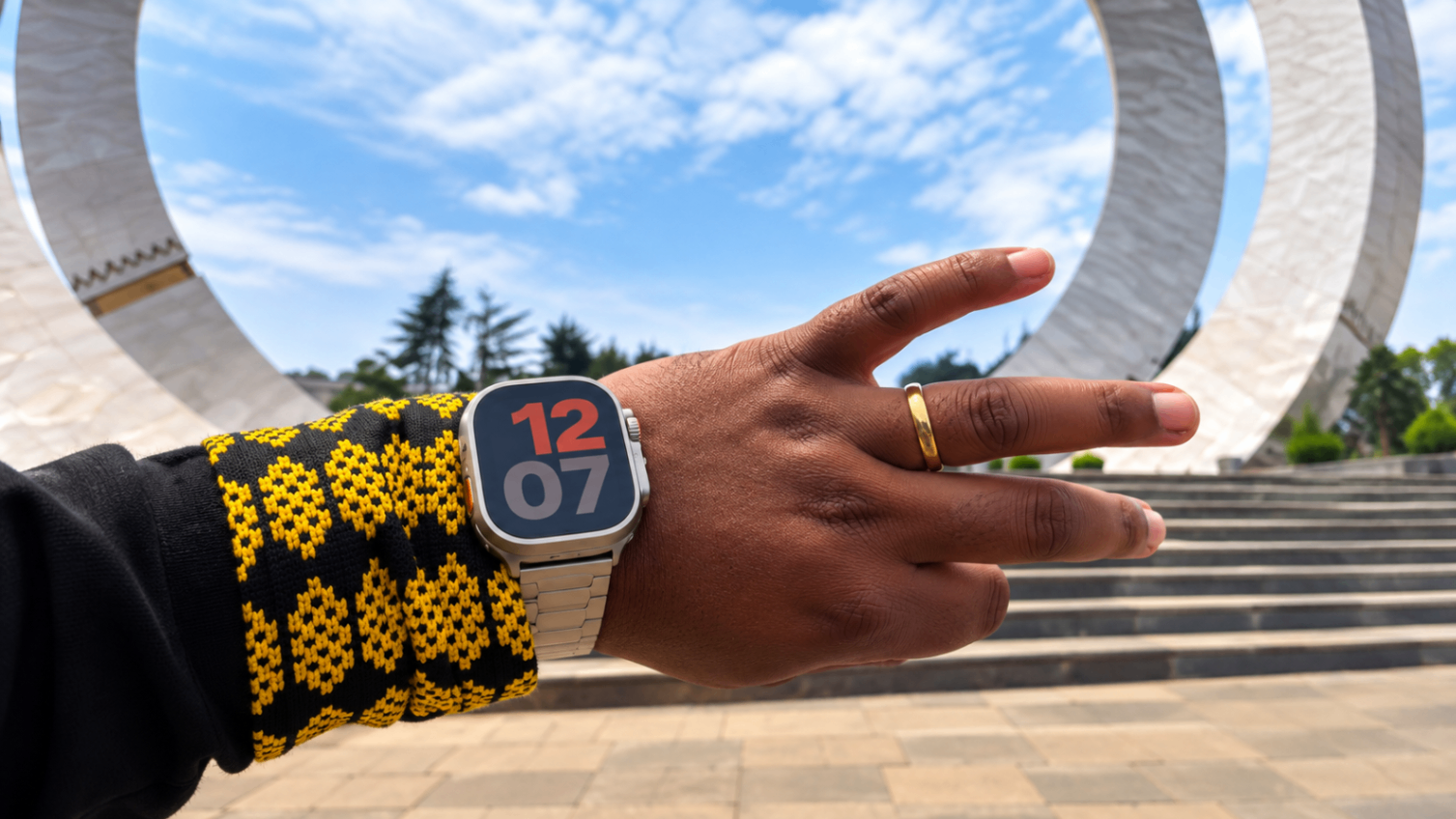
By tapping the index finger and thumb of the watch-wearing hand together twice, users can trigger supported actions without physically touching the screen.
Depending on the context, this can include answering phone calls, controlling music playback, opening and navigating the Smart Stack or interacting with notifications.
Technology That Understands Movement
What makes Double Tap interesting is the technology behind it.
Apple combines motion information from the accelerometer and gyroscope with signals detected by the optical heart sensor to recognize the movement.
Powered by the S9 chip and its Neural Engine, the watch interprets these signals to identify the gesture.
It's a fascinating example of how sensors, software and machine learning can work together to create a more natural user experience.
Why Gesture Control Matters
Gesture control is useful when your other hand is busy.
Whether you're carrying something, walking or doing everyday tasks, being able to control a device without tapping its screen can make a meaningful difference.
It also demonstrates how wearable technology is moving toward more intuitive and context-aware interactions.
Double Tap vs. AssistiveTouch
Apple Watch also supports AssistiveTouch, an accessibility feature that allows users to navigate with customizable hand movements.
Although both technologies use gestures, they work differently.
Double Tap focuses on quick, everyday actions, while AssistiveTouch provides more extensive gesture-based navigation and accessibility controls.
The two gesture systems cannot be active together in the same way.
The Creative Approach
My goal with this content was to demonstrate the feature rather than simply describe it.
Gesture control is the kind of technology that becomes much more interesting when people can see it working.
By focusing on practical examples and clear explanations, the review makes the technology accessible to Ethiopian audiences.
Why This Project Matters
The future of technology isn't only about larger screens and faster processors.
Sometimes, innovation means making devices easier and more natural to use.
This project reflects my interest in exploring the technology behind everyday products and showing viewers how useful features can improve their digital experiences.